

1
Configure your Unity Project
Sign in and create a project on Sequence Builder.Next, create a SequenceConfig ScriptableObject in Unity:
Assets > Create > Sequence > SequenceConfig and place it inside your Resources directory.Make sure you insert the required fields:- Builder API Key: Your Project Access Key from your Builder project.
- Wallet App Url: The URL of the Ecosystem you want to connect to. If you are unsure, use
https://v3.sequence-dev.appas a default.
2
Create your own Sign-In flow
You can optionally get the configured auth providers from the Ecosystem directly and check if your target auth method, like Email or Google, is supported.
Next, let’s call an auth method like Google. This will redirect the user to an external browser to authenticate against the Ecosystem.You have two options to authenticate. You either create an implicit- or explicit session. You create an implicit session by passing no node to the
Permissions field.
Implicit session will only allow transactions to contracts from the Ecosystem. For this demo, let’s instead create an explicit session for a specific contract.3
Try our Built-In Demo (optional)
Import the 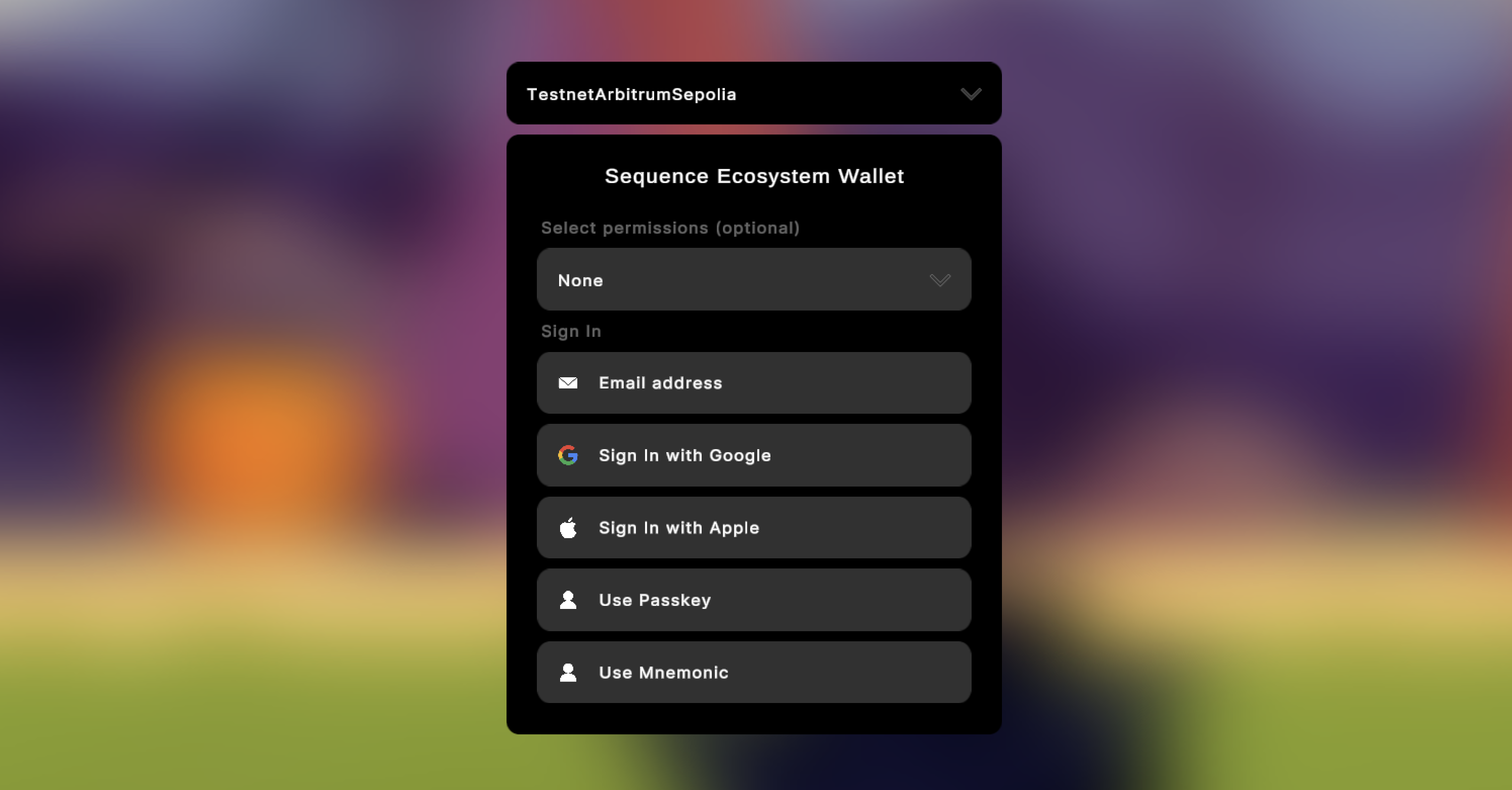
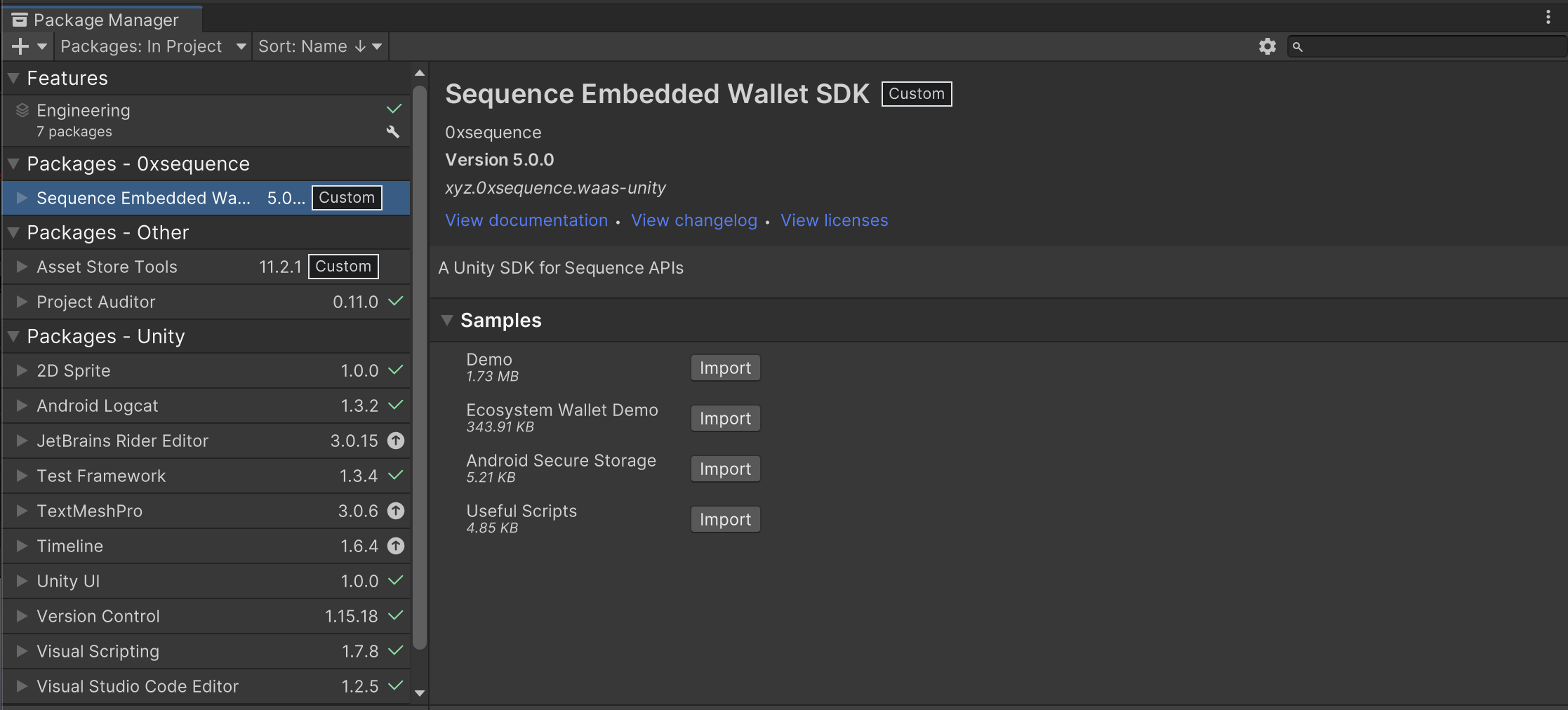
Demo sample from Unity’s Package Manager. Additionally, checkout our boilerplate
script EcosystemWalletLoginWindow for integration details.You can use this Boilerplate inside your project after importing the Demo Samples. Then, simply call this function:
BoilerplateFactory.OpenEcosystemWalletLogin(parent)If you have installed the SDK as a .unitypackage file, please locate the Demo scene inside
Unity’s Project window under Packages > Sequence SDK > Sequence > Samples > Demo