

Import
Usage
Make sure you have followed the Getting
Started guide
to get the collection address and chainId.
Examples
- Basic Listing Creation
- Inventory Listing
Example of implementing a basic listing creation using the
useCreateListingModal hook:This example uses the
useCollectible and useBalanceOfCollectible hooks from marketplace-sdk to verify ownership and get collectible details.Parameters
The hook accepts an optionalcallbacks object with the following properties:
Return Type
The hook returns an object with the following methods:Methods
show
(args: ShowCreateListingModalArgs) => void
Opens the create listing modal with the specified parameters.
close
() => void
Closes the create listing modal.
Notes
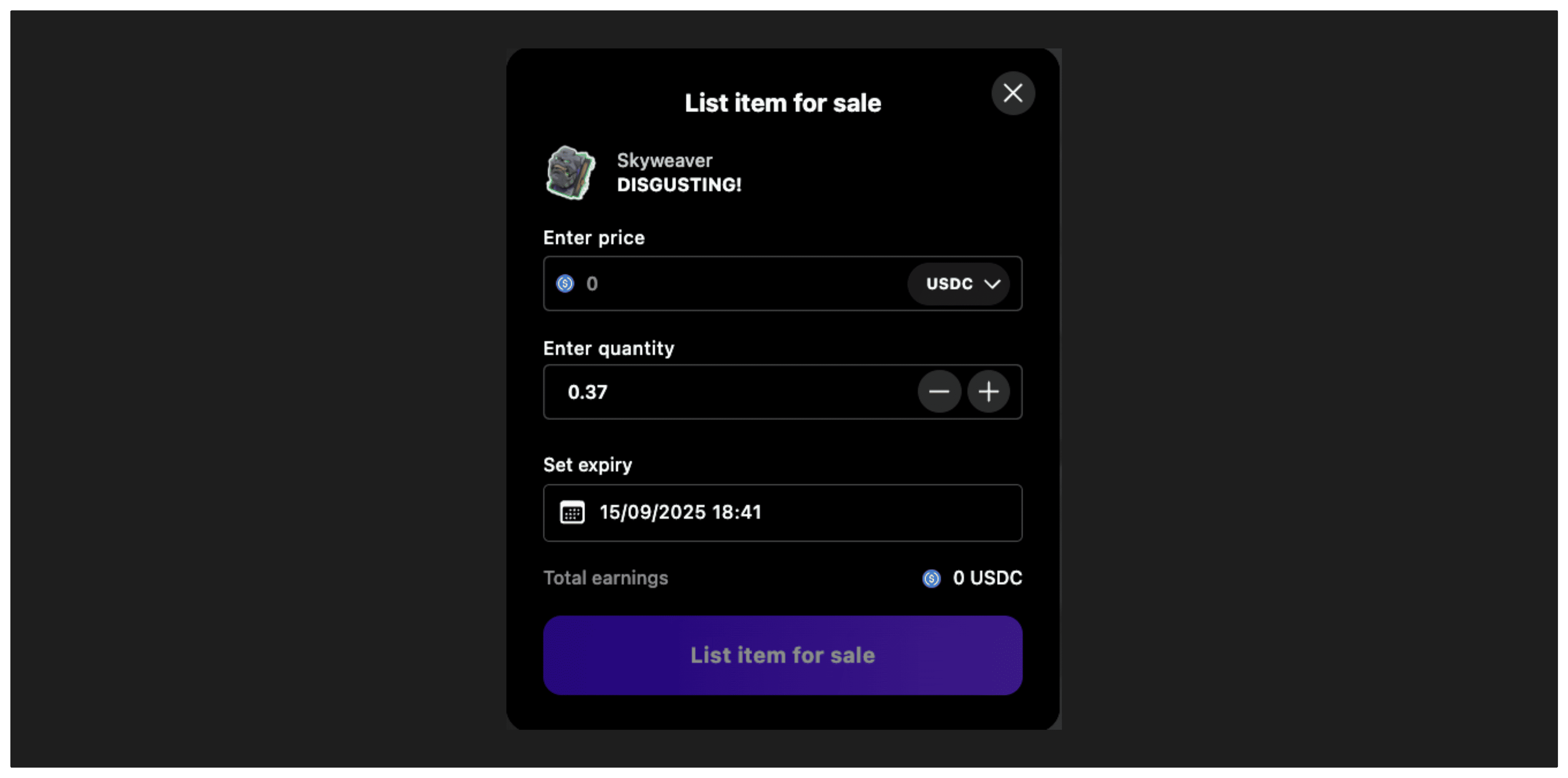
TheuseCreateListingModal hook provides a convenient way to manage the create listing modal interface for collectible sales. It handles:
- Opening and closing the modal
- Managing the listing creation flow state
- Price and quantity input validation
- Expiration date selection
- Error handling and success callbacks
- Transaction approval and execution steps
- Support for different orderbook types
Prerequisites
Before using this hook, ensure:- User Authentication: The user must be connected with a wallet
- Ownership Verification: Use hooks like
useBalanceOfCollectibleto verify the user owns the collectible - Collectible Data: Use
useCollectibleto get metadata for the collectible being listed - Network Configuration: Ensure the marketplace is configured for the target chain
Related Hooks
useCollectible- Get collectible metadatauseBalanceOfCollectible- Check ownershipuseInventory- Get user’s collectiblesuseListListingsForCollectible- Get existing listings