

Why would I want to sponsor gas for my app?
Obtaining the crypto needed to cover gas fees poses a challenge for onboarding your users. Sponsoring gas on their behalf solves this problem, ultimately leading to higher conversion rates and retention. Sponsoring gas is easy and works across all networks we support with a single balance.How to Enable Gas Sponsorship
1
Create or Select Project
To create a project, follow this walkthroughIf you have a project already, sign in and select from the listed projects.
2
Sponsor Wallet or Contract
First, navigate to the gas sponsorship overview page.Then, either 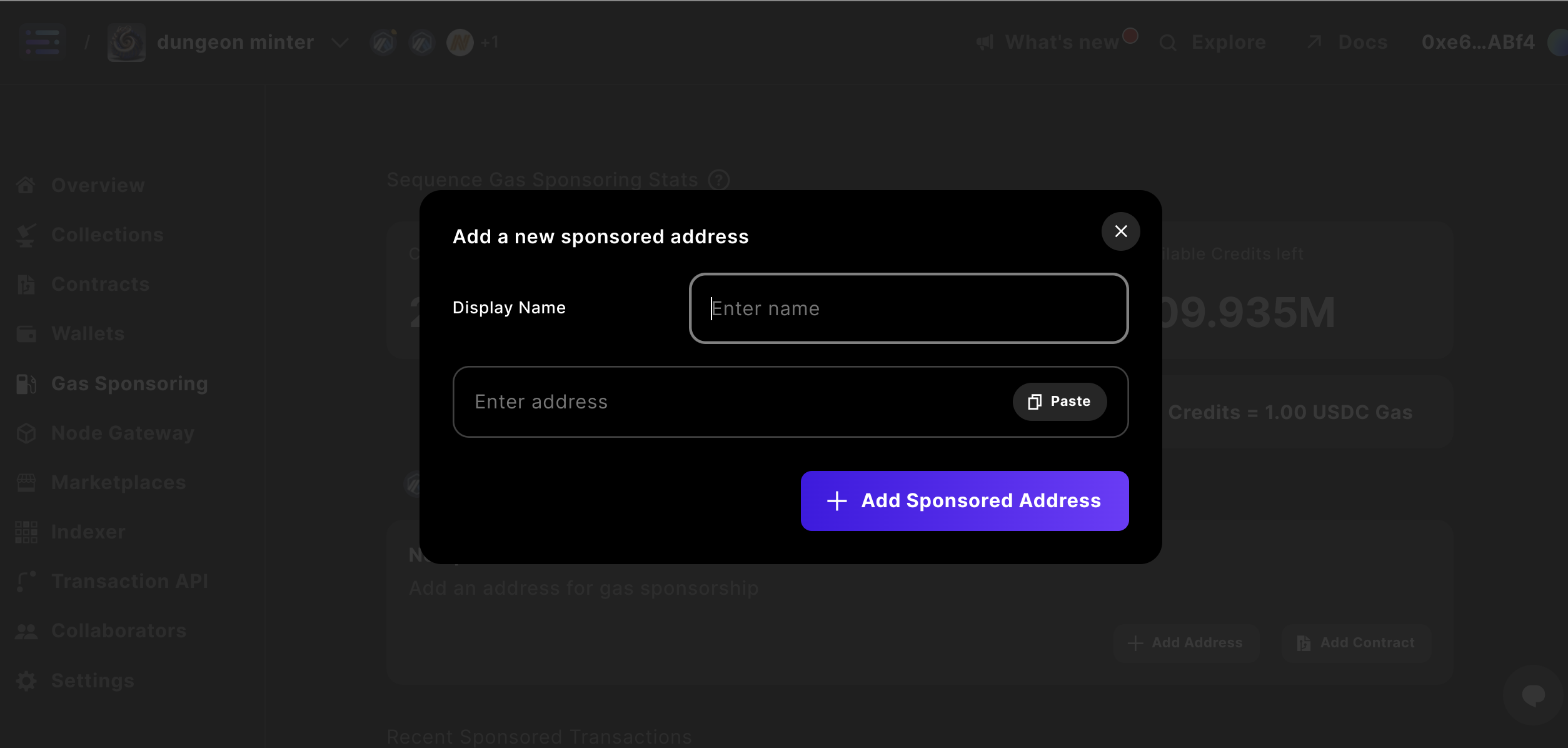
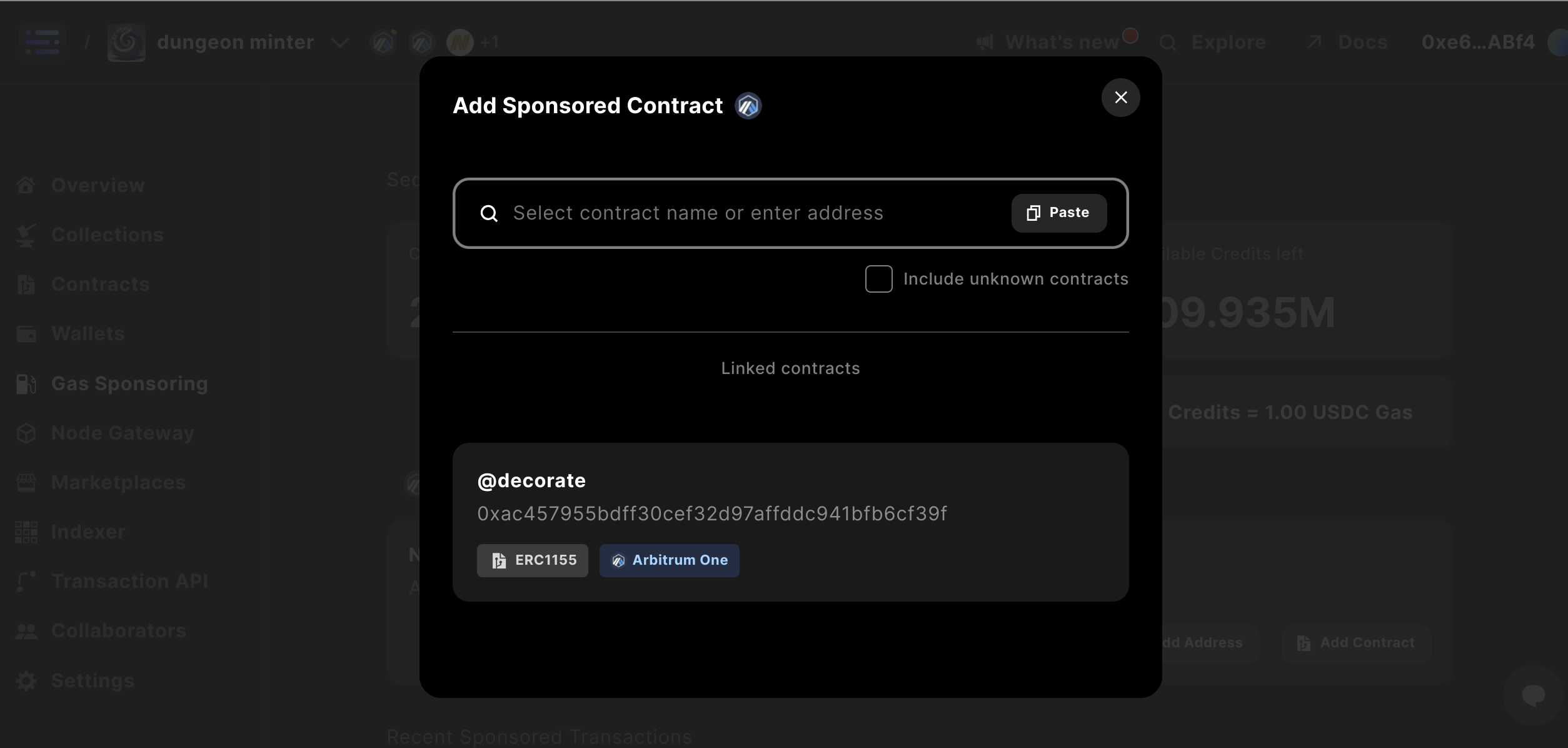
+ Add Address to sponsor gas for a specific wallet address.Add Contract to select a smart contract that you’d like to sponsor.3
Add Payment & Configure
Now, we are going to add a payment method via a credit card in order to fund the sponsorship. Go to the gas sponsorship configuration and select Setup Payment Method.Add a payment method which will update your gas sponsorship configuration.You can either do a one-time top off or an automated top-up based on preferred ranges so you can precisely configure how much you’d like to willing to subsidize for your users each month. Once you have selected your top-up amounts, go ahead and save your settings.We will automatically notify you if your balance falls below $5 and you have sponsored contracts.
4
Test your Sponsorship
We recommend testing out your sponsorships prior to launching. After the contract is already deployed, call the contract or use your sponsored wallet for a mainnet transaction. You should shortly see the sponsored transactions list populating with these transactions.Do not use a Builder contract deployment as your sponsorship test, since deployment transactions may still require the deploying wallet to pay gas.
Ecosystem Gas Sponsorship
We also offer the capability to sponsor all transactions for your ecosystem where we orchestrate a number of signers through our relayer at the chain level. This means any developer building on your ecosystem as well as any user of Sequence wallets has the best onboarding and UX experience possible. Please feel free to contact us to set this up for your ecosystem.Managing Gas Sponsors via API
You can also add and list gas sponsors programmatically instead of using Builder — useful when you need to sponsor addresses from your backend (e.g. onboarding new users, adding contracts as they’re deployed). The relevant endpoints live on the Relayer service for each chain:AddGasSponsor— register a wallet, contract, or address to be sponsored.ListGasSponsors— list existing sponsors for a project.
Required headers
AddGasSponsor is a privileged write call. Every request must include both of the following headers:
X-Access-Key: <public-api-access-key>— from Settings → API Keys → Public API Access Keys in Builder.Authorization: Bearer <admin-api-secret-key>— from Settings → API Keys → Admin API Secret Keys in Builder.
401 AccessKeyNotFound (missing access key) or 403 PermissionDenied (missing secret key). If either section on the API Keys page is empty, create the missing key first.
Example
cURL
base-relayer.sequence.app for Base, polygon-relayer.sequence.app for Polygon, etc. See the Transactions API overview for the full list.
Conditional Sponsorship via Webhook
If you need to make per-transaction sponsorship decisions — for example to apply per-wallet spend caps, KYC gates, or user-tier rules — you can attach a webhook to any gas sponsor. When a sponsored transaction arrives, the Relayer POSTs the transaction details to your endpoint and only sponsors it if you approve.Configuration
When creating or updating a gas sponsor, set:webhookUrl— your HTTPS endpoint. HTTPS is required.webhookAuthToken(optional, recommended) — a shared secret of at least 32 characters. The Relayer sends it asAuthorization: Bearer <token>on every call. Without a token, anyone who learns the URL can invoke it.
Request
The Relayer POSTs a JSON body to yourwebhookUrl:
Content-Type: application/jsonAuthorization: Bearer <token>— only if you configured awebhookAuthTokenX-Sequence-Request-Id: <uuid>— stable per-call identifier; use it for logging or deduplication
transactions[].value and data are hex-encoded. A single decision can cover multiple batched calls — apply your rules to the array as a whole.
Response
Return HTTP 200 with exactly this JSON body:Timeout and fail-open behavior
The Relayer waits up to 2 seconds for your response. If your endpoint is slow, unreachable, returns a non-200 status, returns malformed JSON, or omits thesponsor field, the Relayer falls back to sponsoring the transaction.
This fail-open behavior is deliberate: a broken webhook should not silently break sponsorship for your users. Denying a transaction requires an explicit {"sponsor": false} over HTTP 200.
Security
- HTTPS is required. The Relayer will not follow redirects, so an HTTPS endpoint that redirects to
http://is rejected. - Configure a
webhookAuthTokenunless your endpoint enforces auth at a different layer (IP allowlist, edge proxy). - The token is sent verbatim in the
Authorizationheader — do not log this header. - To rotate the token, call
UpdateGasSponsorwith a new value. To stop gating entirely, clearwebhookUrl.